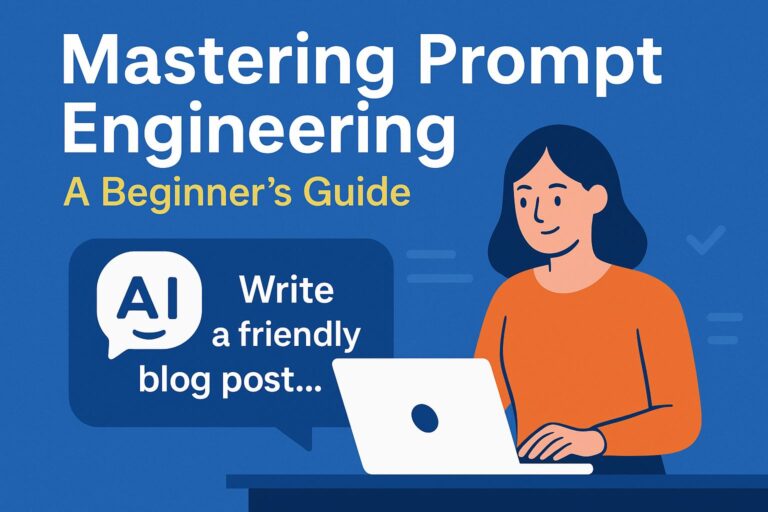
Artificial intelligence isn’t just for tech nerds and Silicon Valley anymore. Tools like ChatGPT are changing how regular people work, create, and even plan their day. Whether you’re writing emails, generating content, managing schedules, or brainstorming ideas, ChatGPT can save you time and spark creativity.
In this article, we’ll explore how to use ChatGPT for your daily tasks, the best prompts to use, and practical tips to get the most out of your AI assistant.
🧠 What Is ChatGPT and Why Should You Use It?
ChatGPT is an AI-powered chatbot developed by OpenAI that understands and responds to natural human language. Think of it as a super-powered assistant that can:
- Draft emails and social media posts
- Answer questions and explain complex topics
- Brainstorm creative content
- Generate summaries, lists, and reports
- Help with scheduling and planning
Using ChatGPT is like having a friendly, reliable helper on call 24/7—no coffee breaks required.
🛠️ How to Access ChatGPT
You can use ChatGPT in several ways:
- OpenAI’s website at chat.openai.com
- Mobile apps (iOS and Android)
- Browser extensions
- Built into apps like Notion, Slack, and WordPress (👋 like our blog!)
✨ Best ChatGPT Prompts for Everyday Use
📝 Writing and Communication
Prompt:
“Write a polite follow-up email for a job application I sent a week ago.”
Prompt:
“Summarize this article in 3 bullet points: [paste article]”
Prompt:
“Create a fun LinkedIn post about AI tools for productivity.”
🗓️ Productivity and Planning
Prompt:
“Create a weekly meal plan for a busy professional who wants quick, healthy meals.”
Prompt:
“Plan a 5-day itinerary for a trip to Tokyo on a budget.”
Prompt:
“Help me write a to-do list for launching a blog.”
📈 Business and Content Strategy
Prompt:
“Give me 5 blog post ideas about AI for small businesses.”
Prompt:
“Write a product description for a handmade candle that smells like a cozy cabin.”
Prompt:
“Explain SEO in simple terms.”
🔄 How to Use ChatGPT in Your Routine
Here’s how to easily integrate ChatGPT into your daily life:
🕹️ Morning Jumpstart
Start your day by asking:
“What are the top 3 things I should focus on today based on this list: [paste tasks]”
🧹 Simplify Mundane Tasks
Let ChatGPT:
- Reword emails
- Draft quick messages
- Create shopping or packing lists
✍️ Content Creation Powerhouse
If you’re a blogger, marketer, or creator:
“Write a 600-word blog post about AI marketing tools with SEO optimization.”
ChatGPT can brainstorm headlines, outlines, and even meta descriptions in seconds.
🎓 Learn on the Go
Ask:
“Explain how Bitcoin works like I’m 12.”
Or:
“Teach me the basics of Excel formulas.”
Great for quick knowledge boosts!
⚙️ Pro Tips for Better Prompts
✅ Be specific. The more detail, the better the results.
✅ Set the tone. Want casual, professional, funny? Say so.
✅ Use roles. “Act like a career coach and help me…”
✅ Give examples. Helps guide the style and format.
🚧 Limitations to Keep in Mind
While ChatGPT is amazing, it’s not perfect:
- It doesn’t browse real-time news (unless plugged into tools that do).
- It can sometimes be overly confident or make factual errors.
- It lacks emotional understanding (so always review sensitive messages).
Think of it as a brilliant but sometimes quirky assistant—you’re still the boss.
✅ Final Thoughts
ChatGPT is like your personal AI sidekick. Whether you’re organizing your day, writing a killer email, or brainstorming your next project, it’s a time-saving, creativity-sparking tool you’ll want in your digital toolkit.
Start simple: ask it a question, tweak your prompt, and see where the AI magic takes you.